Administrator Guide
Manage users, permissions, storage, languages, SMS, and system-wide settings for Workflow Docs.
1. LegalServer Integration
Connect Workflow Docs to your LegalServer instance.
Initial Setup & API Permissions
To ensure Workflow Docs functions correctly, you must properly configure an API user and grant specific permissions in LegalServer.
Common Gotcha: Missing API Permissions If advocates cannot launch interviews or data fails to load, verify the following:
- Docassemble API Enabled: Ensure the Docassemble module is enabled on your LegalServer site.
- Launch Permission: Advocates must have the "Generate Docassemble Interviews" permission assigned to their user role to see and launch workflows.
Setting up the Dedicated API User
You need a dedicated API user in LegalServer to authenticate requests from Workflow Docs:
- Create a new User Role (e.g., "Docassemble API") and ensure all "API"-related permissions are checked.
- Create a new User (e.g., username
docassembleapi, Login Active: "No") assigned to this role. - Edit the user's profile to add the "Manage Personal Access Tokens" block.
- Generate a Personal Access Token (labeled "Workflowdocs").
Connecting the Dashboard
Once you have your API token:
- Navigate to Admin Settings in the Workflow Docs dashboard.
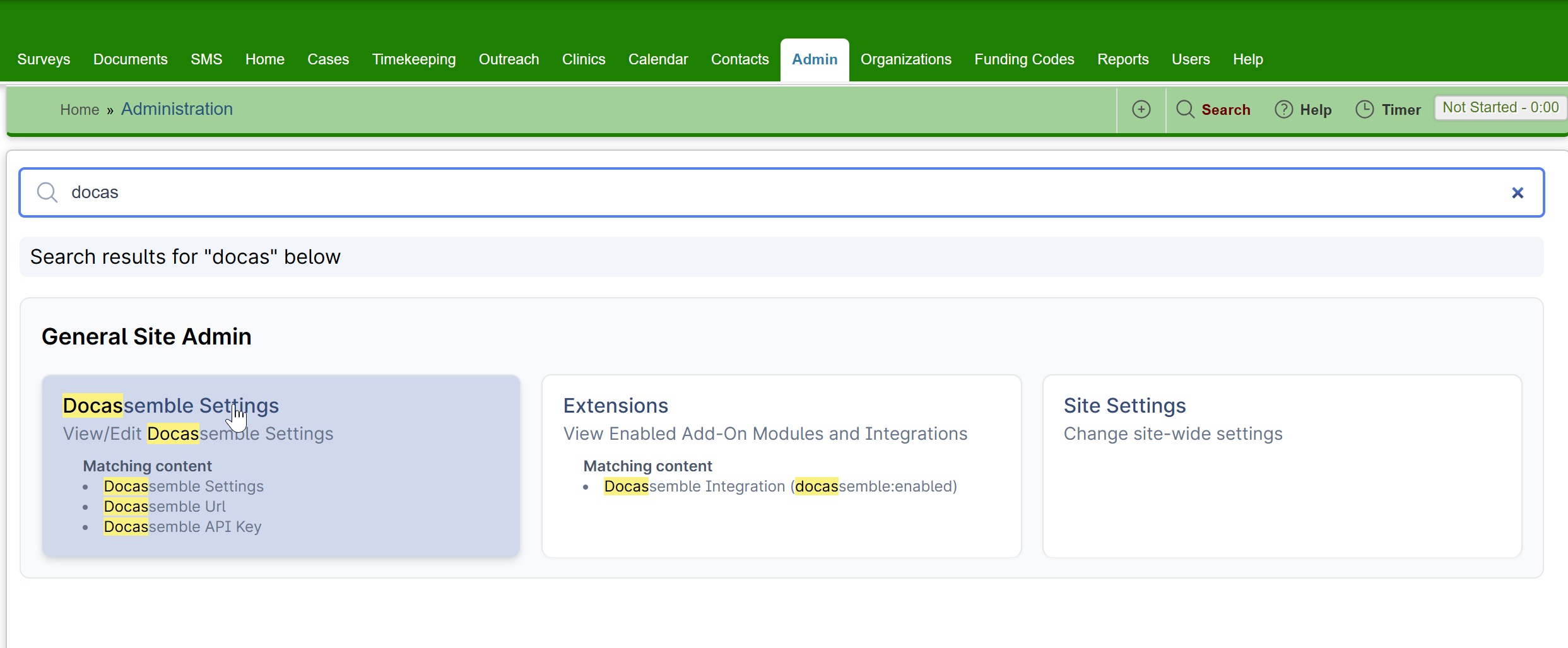
- Configure your LegalServer endpoint URL and enter the API token.
2. Workflow Filters
Administrators can control which interviews are visible on specific LegalServer pages by default.
- Configure Filters: Use Workflow Filters to limit visibility by case type, advocate role, or other criteria.
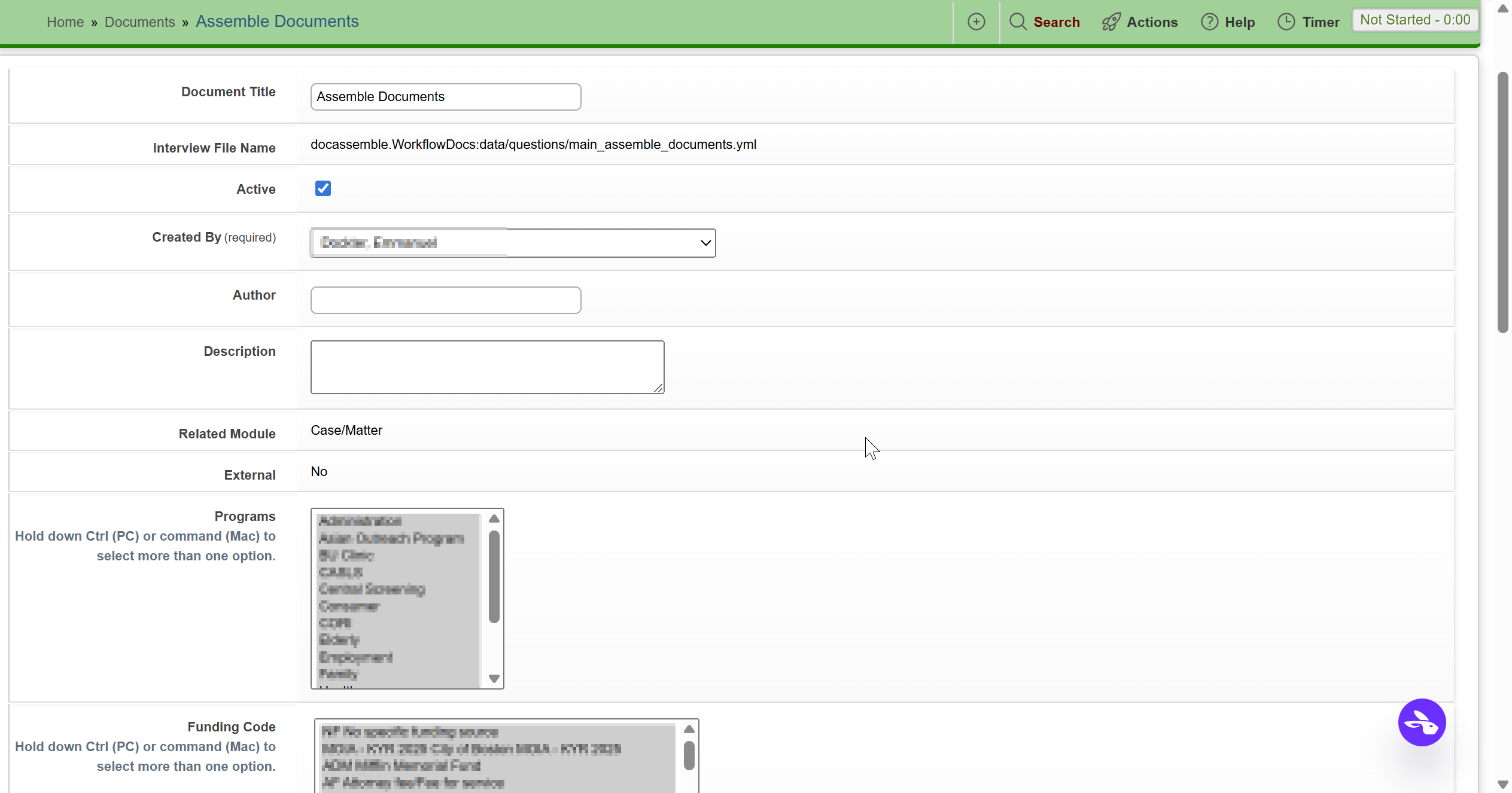
- Advocate Experience: While advocates can manually "Remove Filters" in their UI to see hidden workflows, you should configure filters so that the most relevant tools are visible by default for each case type.
3. Managing Permissions
Workflow Docs permissions are managed by Lemma Legal. A client of WorkflowDocs who wants to be able to manage templates for their organization needs to be given the Docassemble privilege manage_templates. This needs to be done by asking the WorkflowDocs team.
Requesting Administrative Access
To request the manage_templates privilege or other administrative permissions for yourself or a colleague, please send an email to info@lemmalegal.com with:
- The email address(es) used to log in to the server.
- The server name (e.g.,
app.workflowdocs.comor your organization's dedicated host). - The specific privilege requested (e.g.,
manage_templatesor Admin).
4. System Tools
Template Manager Privilege
The built-in template manager (/wfd/template-manager) checks Docassemble privileges:
adminanddevelopercan manage templates for all configured organizations.manage_templatescan manage templates for organizations allowed by their email-domain mapping (defined inworkflowdocs.clients).- The Manage templates shortcut in Assemble Documents and on the sign-in screen is shown only to users with
admin,developer, ormanage_templates. - The Template builder shortcut in Assemble Documents is shown by default and can be hidden per client with
show docx labeler link: False. - Hiding a shortcut is not an authorization boundary. Direct access to either tool remains subject to authentication and its own privilege checks.
- Only
admin/developercan change S3 bucket versioning state from the manager API.
5. Client-Level Configuration
Workflow Docs is multi-tenant. Each LegalServer site you serve has its own entry under workflowdocs.clients, and the legalserver_site value is what selects the right entry at runtime. You can set defaults at the top level of the workflowdocs block too.
Per-Client Key Reference
| Key | Default | Purpose |
|---|---|---|
display name | none | Branded name shown in client-facing emails and templates. |
organization phone number | inherited from default organization phone number | Phone number rendered in salutations / signature lines. |
organization email | inherited from default organization email | Contact email shown to clients on the document-request upload page. |
enable ai draft letter | True | When False, the "Create an AI draft letter" option is hidden in Assemble documents. |
show docx labeler link | True | When False, the Template builder shortcut is hidden in Assemble documents. |
legalserver upload pdf | False (DOCX) | Controls whether generated documents inside the LegalServer ZIP are PDF or DOCX. Uploaded files retain their original formats. |
sms | False | Must be True to enable any SMS-based flow for this client. See SMS / Twilio below. |
languages | all 8 supported | Subset of client languages to offer for this organization. |
exitpage | server default | URL the client is sent to when they press an "Exit" button or otherwise leave the interview. |
storage | none | Storage backend for templates, companion files, and enclosure YAML. |
questionnaire default ai field set | case_information | Default preset for the Send Questionnaire workflow: none, case_information, case_information_and_parties, case_information_and_parties_and_notes, or everything. |
Resolution Order
Fallbacks are setting-specific. In general, a per-client value is preferred, followed by the applicable top-level setting and then that setting's built-in default; not every key has the same top-level fallback.
display name and organization phone number fall back to default organization name and default organization phone number. exitpage falls back to the top-level Docassemble exitpage. Other settings use the defaults shown above.
Document-request portal settings
Document upload limits and accepted file types are configured under
workflowdocs → document tasks. Keys may use spaces, as below, or underscores.
workflowdocs:
  default organization name: Legal Aid Program
  default organization phone number: 617-555-0100
  default organization email: help@example.org
  document tasks:
    max upload mb: 50
    max uploads per minute: 10
    max batch image pages: 20
    allowed upload extensions:
      - pdf
      - docx
      - jpg
      - jpeg
      - png
      - heic
      - heif
    default phone region: US
Per-client display name, organization phone number, and organization email values override these organization defaults. The document-request page
uses them to tell the client which legal aid program sent the request and whom
to contact with questions.
Multi-page JPG, PNG, HEIC, and HEIF uploads are combined into a PDF. If the
ocrmypdf executable or Python package is installed, Workflow Docs prefers it
to add a searchable text layer. OCR is best effort: an OCR failure leaves a
valid image-only PDF rather than failing the client’s upload.
Developer Overrides
When developing or testing, set wfd configuration key in your Docassemble config to impersonate a different client. Only users with the developer or admin privilege can do this. This is useful for previewing what a different organization will see without spinning up a second server.
wfd configuration key: legalaid-demo
Storage Backends
Templates, companion files, and enclosure YAML are stored in an S3 bucket.
S3 Configuration
Each client points at one S3 config entry by name (the s3 configuration item value). The system looks for that key in your Docassemble config:
lso s3 bucket:
  bucket: lso-workflowdocs
  region: us-east-2
  access key id: A........................
  secret access key: a....................

workflowdocs:
  clients:
    legalaid-demo:
      storage:
        type: s3
        s3 configuration item: lso s3 bucket
        storage folder: "" # Optional. Sub-folder inside the bucket.
If s3 configuration item is omitted, the system falls back to a top-level workflowdocs s3 config, then to a generic s3 config.
The storage folder value lets you point multiple clients at the same bucket but with isolated prefixes (e.g. legalaid-demo/ and lso-staging/).
Removed: SharePoint and Box
Older Workflow Docs versions supported Microsoft SharePoint and Box as storage backends. These have been removed. S3 is the only supported backend.
SMS / Twilio Configuration
To use any SMS-based workflow (e.g. "Send link via text message" in Request Documents or Send Questionnaire), you need to:
- Configure Twilio at the server level.
- Set
sms: Truein the per-client config (see Client-Level Configuration).
Twilio Config — Single Tenant
If you only have one Twilio account, use the simple top-level form:
twilio:
  sms: True
  account sid: "ACxxxxxxxxxxxxxxxxxxxxxxxxxxxxxxxx"
  auth token: "your-auth-token"
  number: "+15551234567"
Twilio Config — Multi-Tenant
If different clients send SMS through different Twilio accounts, use the list form. The name must match a workflowdocs.clients.<key>:
twilio:
  - name: legalaid-demo
    sms: True
    account sid: "ACxxxxxxxxxxxxxxxxxxxxxxxxxxxxxxxx"
    auth token: "..."
    number: "+15551234567"
  - name: lso-staging
    sms: False
can_use_sms(client_key)
The system computes whether SMS is enabled for a given client by checking:
- The Twilio config (top-level
sms: True, or a matching list entry withsms: True). - The per-client
sms: Trueflag.
Both must be true. If either is missing or false, the SMS options are hidden in every interview for that client. The system validates this and surfaces a clear error if an advocate somehow selects SMS without it being enabled.
Languages
Each client can pick which client-facing languages to offer. The default set, when languages: is omitted, is all 8 supported languages:
| Code | Language |
|---|---|
en | English |
es | Spanish |
zh-CN | Chinese (Simplified) |
zh-TW | Chinese (Traditional) |
pt | Portuguese |
ht | Haitian Creole |
vi | Vietnamese |
km | Khmer |
To restrict a client to a subset:
workflowdocs:
  clients:
    legalaid-demo:
      languages:
        - en
        - es
        - vi
These codes are passed to Docassemble's al_interview_languages so every client-facing screen (assemble, request documents, questionnaire) renders in the chosen languages.
Default Language for a Client
When the client opens a link, the system picks a default language from their LegalServer profile in this order:
preferred_written_languagelanguagelanguage_name(resolved to a code via the language-name table)en
Chinese variants like zh_CN, zh_TW, zh-Hans, zh-Hant are normalized to the canonical zh-CN / zh-TW form.
Exit Page
exitpage controls where the client is sent when they press an Exit button or otherwise leave the interview (e.g. on a thank-you screen). The resolution order is:
workflowdocs.clients.<key>.exitpage- Top-level
exitpagein your Docassemble config - No exit page (the standard Docassemble exit behavior)
Set this to a branded thank-you URL, your main website, or a survey page.
AI Features
Workflow Docs typically uses Azure OpenAI Service for:
- The "Create an AI draft letter" option in Assemble documents.
- The questionnaire workflow's suggested questions, follow-up questions, and response synthesis.
- Template auto-labeling can use Google Gemini.
Administrators can:
- Disable AI letter drafting per client with
enable ai draft letter: Falsein the per-client config. The questionnaire and auto-labeling features are not affected. - Disable all AI for a site by contacting Workflow Docs support to disable AI features at the server level.
Questionnaire AI Background Information
For a LegalServer-launched questionnaire, the advocate chooses an AI background preset for generating suggested questions: none, basic case information, case information and parties, case information and parties and notes, or everything. The default preset can be changed with questionnaire default ai field set.
Configure custom fields under workflowdocs.legalserver.custom fields:
workflowdocs:
  legalserver:
    custom fields:
      - problem_statement_130
These fields are also available to other LegalServer data consumers. The questionnaire sends only the fields in the selected preset for advocate-facing suggestion generation; they are not sent to the client.
Server administrators may configure OpenAI directly. Customer data is not used to train AI models and is encrypted in transit and at rest. Handling and retention follow the configured provider's enterprise privacy and retention terms.
Complete Example
Here is a complete example showing every supported per-client key:
workflowdocs:
  # Optional: used when a per-client value is missing
  default organization name: "Default Organization"
  default organization phone number: "(555) 555-1234"

  clients:
    legalaid-demo:
      display name: "Legal Aid Demo" # Optional: shown in emails / brand
      organization phone number: (617) 555-1234
      email domains: # Exact email-domain matches authorized for manage_templates
        - legalaid-demo.org

      # Feature toggles
      enable ai draft letter: True # Default True. Set False to hide the AI draft letter option from "Assemble documents"
      show docx labeler link: True # Default True. Set False to hide the Template builder shortcut from "Assemble documents"
      questionnaire default ai field set: case_information # Default. One of: none, case_information, case_information_and_parties, case_information_and_parties_and_notes, everything
      legalserver upload pdf: False # Default False. True selects PDF instead of DOCX for generated documents in the LegalServer ZIP; supporting files keep their original formats.
      sms: True # Required True to enable any SMS / Twilio workflow for this client

      # Localization & branding
      languages: # Optional. Defaults to all 8 supported languages
        - en
        - es
        - vi
      exitpage: "https://legalaid-demo.org/thank-you" # Optional. Where "Exit" buttons send the client

      # Storage
      storage:
        type: s3
        s3 configuration item: lso s3 bucket # Points to a separate s3 config entry below
        storage folder: "" # Optional. Sub-folder inside the bucket

lso s3 bucket:
  bucket: lso-workflowdocs
  region: us-east-2
  # IAM User: lso-workflow-docs-user # Good idea to identify the login name associated with access/secret access key in a comment
  access key id: A........................
  secret access key: a....................